
Before You Start
A little preparation can make your card project easier. Before requesting your cards, make sure you have the information and materials needed for your order.
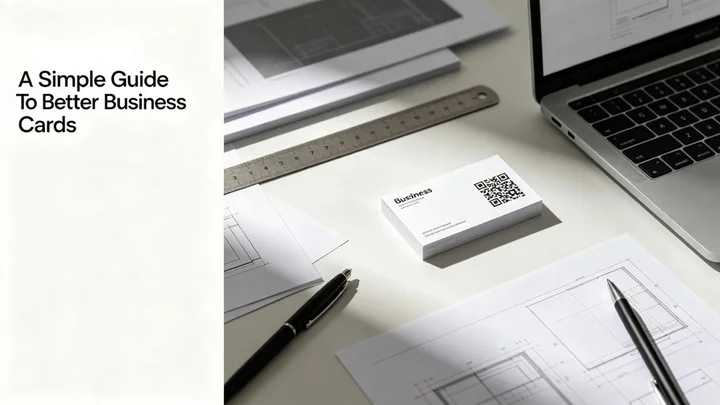
Know Your Card Type
Decide whether you need a standard business card, QR code business card, custom card, or a larger quantity for your team.
Prepare Your Information
Have your name, job title, company details, contact information, website, and other important content ready.
Prepare Your Artwork
If you already have a finished card file, keep it ready for submission with your quote request.
What To Put On Your Business Card
Your business card should make important information easy to find. Consider including the details that are most useful for your customers and professional contacts.
Name
Your full name or preferred professional name.
Job Title
Show your role or position within your business.
Company Name
Include your business or brand name.
Phone Number
Add a business contact number when appropriate.
Email Address
Provide an email address for professional communication.
Website
Include your business website if you have one.
Social Profiles
You can also include selected professional social media accounts.
Planning Your QR Code
A QR code can give your printed business card an additional digital connection. Before adding one to your card, decide what information you want people to reach after scanning it.
Contact Information
Link customers to a page where they can find your contact details.
Business Website
Send visitors directly to your company website.
Social Profiles
Make it easier for people to discover your selected social accounts.
Online Portfolio
Connect your card to a portfolio, profile, or other professional page.
Preparing Your Card Artwork
Providing clear artwork can help your project move forward smoothly. Before uploading your file, check the important elements of your card artwork.
Keep Text Readable
Use clear typography and make sure important information is easy to read.
Check Your Layout
Review the position of your name, contact information, logo, QR code, and other card elements.
Review Your QR Code
Make sure the QR code is clearly visible and has enough surrounding space.
Check Your File
Review your artwork carefully before submitting it with your request.
Information To Include With Your Request
When requesting a quote, providing complete project information helps our team understand what you need.
Product Type
Tell us which type of business card you are looking for.
Quantity
Provide the approximate number of cards required.
Artwork
Upload your existing artwork when available.
QR Code
Let us know whether your cards should include a QR code.
Special Requirements
Add any additional information that may be relevant to your project.
What Happens Next?
01 — Submit Your Request
Send us your card requirements and project information.
02 — Project Review
Our team reviews the details you provide.
03 — Confirm The Details
Any necessary project information can be clarified before production.
04 — Card Production
Once the project details are confirmed, your cards can move into production.
Business Card Checklist
Before submitting your project, take a quick look through the following checklist.
Checklist
☐ Card type selected
☐ Quantity confirmed
☐ Name and contact information checked
☐ Company information reviewed
☐ QR code destination confirmed
☐ Artwork reviewed
☐ Special requirements added
